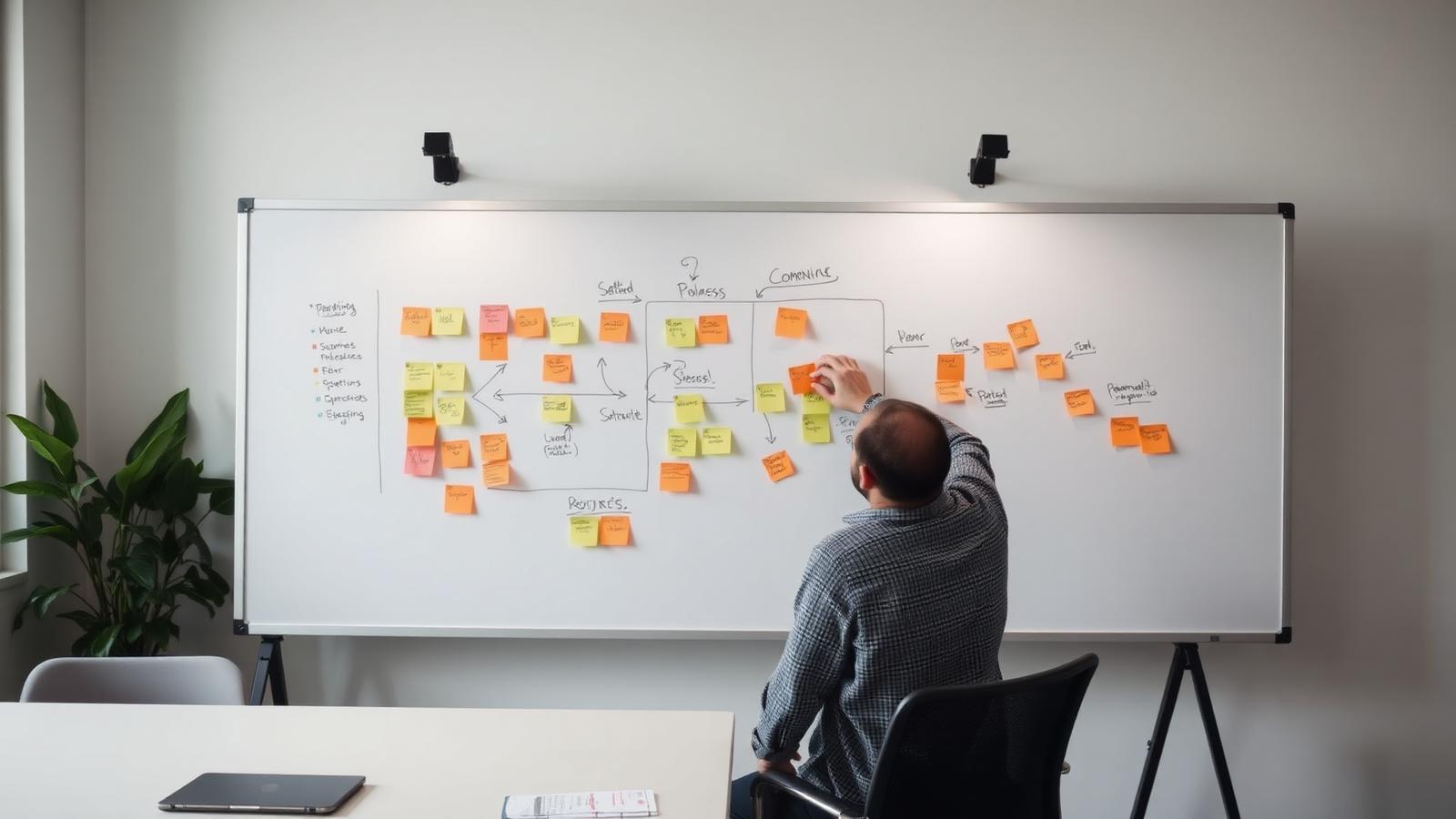
How to stop AI agents from hallucinating business processes?


You stop AI agents from hallucinating business processes by grounding them in real-time system logs through Retrieval-Augmented Generation (RAG). By restricting the model to verified event data instead of subjective interviews, and setting temperature parameters to zero, you direct the AI to prioritize actual operational data over generating plausible but non-existent workflow steps.
On this page
AI agents hallucinate business processes when they attempt to bridge gaps in fragmented data using statistical probability rather than factual evidence. This often results in 'ghost workflows'—logical but non-existent steps that lead to technical debt, broken automations, and operational errors when deployed.
Mid-sized companies mapping operations for automation must move beyond simple prompts to a structured framework of data grounding. By tethering the AI to actual event logs from ERP or CRM systems, the discovered processes are designed to reflect recorded events rather than a predictive guess of how a business should operate.
How to verify AI process discovery results
Verifying AI process discovery requires comparing the AI-generated map against raw transactional data from your systems of record. If an AI agent suggests that an invoice approval requires three signatures, but the digital trail shows only two, the agent has likely hallucinated a standard industry practice that your company does not follow.
A common method for verification is cross-referencing. You take the output from the AI agent and run it against a small, manual sample of the same process handled by a department head. Any discrepancy in the number of handovers or the specific software tools used indicates the AI is filling in blanks with generic training data.
- Compare AI flowcharts against timestamped log files from primary software.
- Flag any step that lacks a corresponding digital footprint in the audit trail.
- Conduct a walkthrough with the process owner to confirm every decision point.
- Identify 'perfect' paths that ignore common exceptions or manual workarounds.
Never automate a process based solely on an AI-generated map without a human sign-off on the logical sequence.
More on this: What is an AI agent? And how is it different from a chatbot?
Risk of AI agents creating ghost workflows
The primary risk of ghost workflows is the creation of automation loops that wait for inputs which never arrive. When an AI agent hallucinates a step—such as an automated notification from a legacy system that lacks an API—the entire downstream automation fails, often without a clear error message for the IT team.
Ghost workflows also introduce security risks by suggesting access requirements that do not exist. For example, an AI might assume a specific role needs access to a database to complete a task, leading a developer to grant unnecessary permissions that expand the company's attack surface.
More on this: How to automate a business process — a practical 7-step guide
Ensuring data accuracy in enterprise AI process mining
Accuracy in process mining depends on the quality of the 'ground truth' data provided to the AI. Instead of feeding the AI large volumes of unstructured text or old manuals, focus on structured event logs that contain a case ID, an activity name, and a timestamp. This restricts the AI's ability to invent steps because it must account for every minute of the recorded activity.
Standardizing the data format before the AI processes it reduces the cognitive load on the model. When data from different departments uses different terminology for the same action, the AI may interpret these as two separate processes or invent a third process to link them. Harmonizing terminology is a prerequisite for accurate discovery.
How to set constraints on AI employee behavior
Preventing hallucinations during execution requires strict boundary setting. This is achieved by limiting the AI's 'temperature' setting to 0.0, which forces the model to choose the most likely factual response rather than exploring creative alternatives. For a mid-sized company, a creative AI is a liability in a structured environment like accounting or logistics.
Implementation should also include a 'refusal trigger.' The AI must be instructed to stop and report a gap whenever it encounters a scenario not explicitly covered in its provided knowledge base. This prevents the agent from attempting to guess the next logical step in a high-stakes business process.
- Set model temperature to zero to ensure deterministic outputs.
- Provide a 'negative knowledge base' of actions the AI is strictly forbidden to take.
- Require the AI to cite specific log entries for every process step it identifies.
- Use multi-agent verification where one AI builds the process and another audits it.
An AI that admits it does not know the next step is more valuable than one that guesses correctly 90% of the time.
In short
- Grounding models in event logs reduces the dependency on outdated or subjective process documentation.
- Zero-temperature settings force the AI to prioritize data precision over creative text generation.
- Human-in-the-loop verification remains mandatory before converting discovered processes into live automations.
- Small data samples increase the risk of AI creating logical but false generalizations about workflows.
How could AI employees be used in your firm or your business?
Send us a brief description of one workflow you consider automating to receive a written feasibility report and estimated ROI. A specialist will review your steps and reply within two working days with a clear 'yes' or 'no'.
After 30 minutes you have
A clear yes or no
Whether your task is suited to an AI employee at all.
A real number
What it roughly costs — and what you realistically save.
The first step
Concrete and doable. Even if it happens without us.
AI expert for mid-sized companies
„I can help you move the repetitive work in your company over to AI employees.”
Tell us the task that eats the most time
You do not need to know the technology behind it. Just write, in your own words, what costs you the most time.
What happens next
- 1
We review your task
We check whether an AI employee is worth it for this at all.
- 2
We write back to you
Usually within one business day — short and without obligation.
- 3
30 minutes of clarity
What works, what does not, and what your first step would be.
What happens if you do not switch to AI
Your competitors are switching already.
The majority of companies plan to introduce AI in 2026.
That means up to 30% more margin.
Because AI employees take over the recurring tasks.
Costs drop significantly.
AI works around the clock, needs no holidays and no payroll overhead.
More money is left for marketing.
Saved costs flow into advertising — and bring in more customers.
Customers move to the competition.
More ad budget pulls customers away — and leaves less market for you.
Whoever does not adapt is pushed out of the market.
Over the next two to three years AI becomes the standard for mid-sized companies — not an option.
This is not scaremongering — it is already happening in the first industries. And most companies do not fail because they lack the will, but because they do not know how to walk this path. That is exactly what we show you — and implement for you if you want. We create clarity and we deliver.
Do not put your decision off until tomorrow
One conversation, 30 minutes, free. Afterwards you know which task in your company suits an AI employee — and what the first step is.
No obligation. No lock-in contracts, no sales pressure. Prefer to write? Go to the form